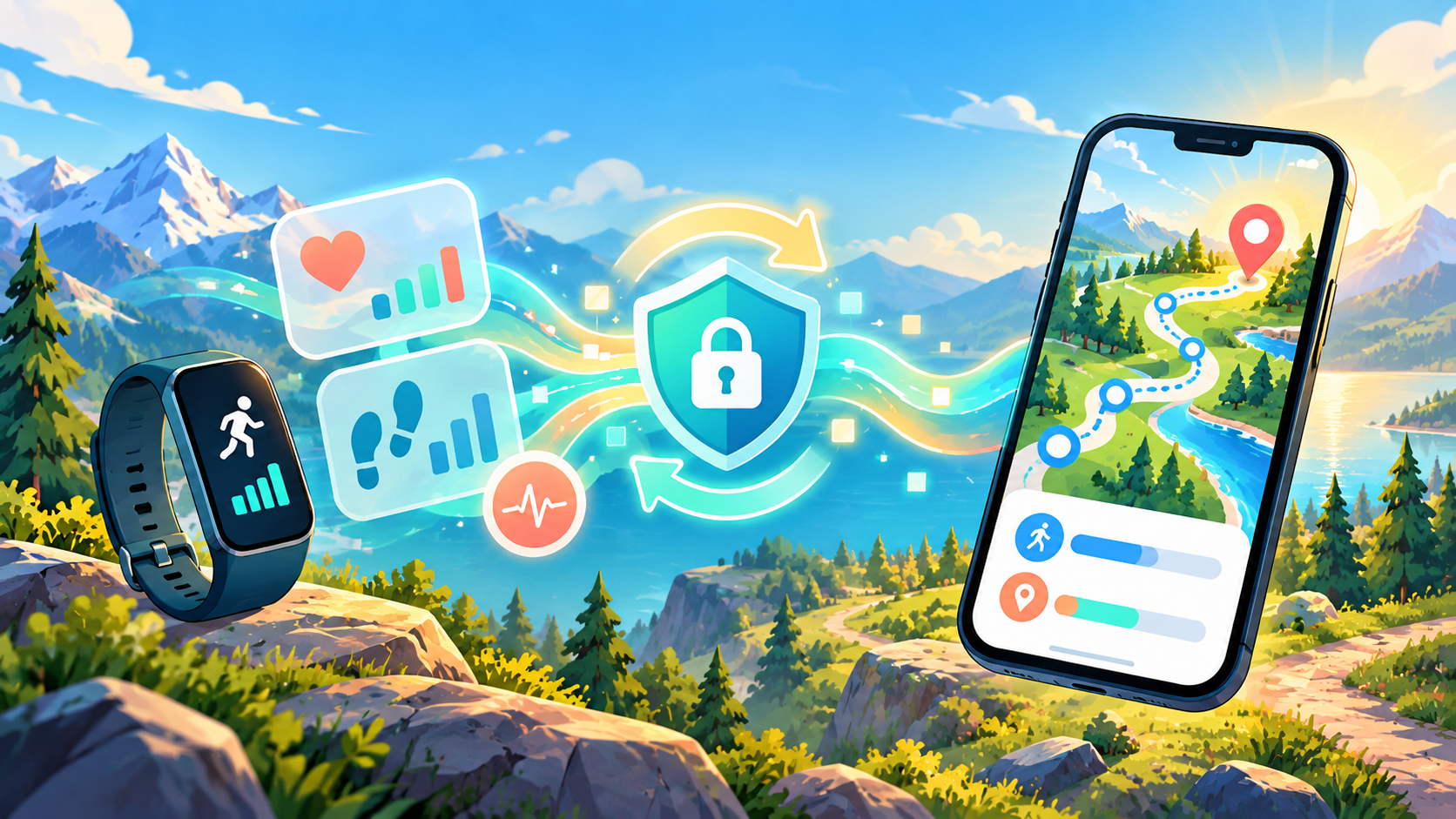
WalkQuest does not count movement by keeping a permanent tracker running in the background. It reads the step totals already collected through Android Health Connect, after you grant permission. That keeps the connection understandable and under your control.
Connect in three deliberate steps
- Open WalkQuest Settings.Find the Health Connect section and start the connection from inside the app.
- Allow step access.Approve read access for steps. WalkQuest does not need permission to change your health records.
- Return and synchronize.Go back to WalkQuest, refresh the step data, and check that the route marker advances.
If the number does not move
Start with the simplest checks. Open Health Connect and confirm that step data exists for today. Then verify that WalkQuest still has permission to read it. Battery restrictions, a newly installed health app, or moving to a different phone can change the connection.
- Confirm that your step source is writing data to Health Connect.
- Check WalkQuest permissions inside Health Connect.
- Open WalkQuest with an internet connection and trigger synchronization again.
- Check the selected date and remember that today’s total can update in batches.
- After reinstalling, reconnect Health Connect before expecting old steps to appear.
Why steps and kilometres are not identical
WalkQuest uses a simple game conversion of approximately 1,250 steps for one virtual kilometre before bonuses and other modifiers. It is a motivational game distance, not a medical measurement of stride length.
That means two apps can show different kilometre values while agreeing on the same number of steps. For WalkQuest, the step total is the important input; the route distance is the game’s interpretation of that effort.
What WalkQuest reads—and what it does not
The requested access is limited to the step information needed for route progress. WalkQuest does not require an account, and health data is not used to build an advertising profile. You can revoke access at any time in Health Connect settings.
A good connection should be quiet: grant permission once, walk normally, and let your map tell the story.