Connect Health Connect
Enable read-only step access in Settings. Other health information is not needed.
Learn how the map moves, where to see your position, how cities open, and what happens when your route reaches water.
WalkQuest reads your step count only after permission and converts movement into progress on the route you selected.
Enable read-only step access in Settings. Other health information is not needed.
Your synchronized steps become route distance. About 1,250 steps equal one virtual kilometre before bonuses.
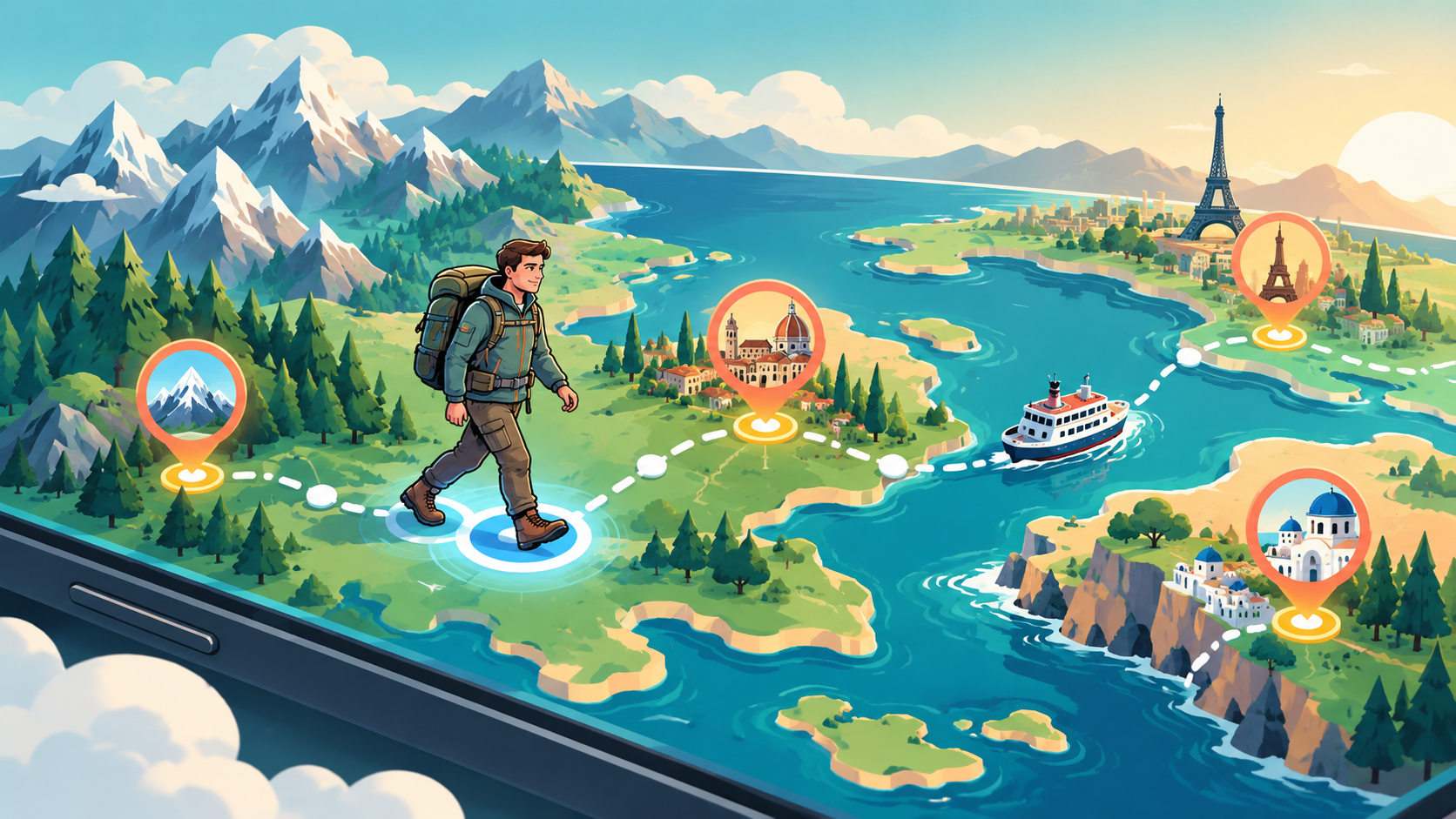
The walker marker moves between route stops, and the next destination shows how many kilometres remain.
The walking marker is your current calculated position. City pins show destinations along the route.
Every unlocked stop becomes a small travel guide, not just a checkpoint.
See a localized introduction, an interesting fact, and the city’s place in your route.
Open landmarks, view their descriptions, and jump to Maps or Street View when available.
City cards include regional dishes and short explanations of what makes them special.
Save the city to your travel passport and share the collected stamp as a card.
At a special transfer gate, walking progress pauses at the shore or terminal. Choose how to start the crossing.
The crossing is included, costs no travel points, and uses a one-day travel time.
Spend the number of points shown on the gate and wait for the route’s travel time.
Free players can complete the required rewarded views instead of spending points.
Where available, buy the matching train, ferry, or flight ticket for a one-day crossing.
Steps walked while a transfer is waiting are banked, so your effort is not lost and can continue the journey after arrival.
Choose Europe Explorer, connect your steps, and start walking.